
Choose around your actual bottleneck.
WHEN SOCIALBEE IS THE BETTER CHOICE
Content reuse and planning
You want structured reuse and a broader ongoing social-management workflow.
SocialBee offers AI strategy and creation tools, content categories, scheduling and reuse, plus analytics and engagement tools. Bootstrap covers five profiles in one workspace.
WHEN TO CONSIDER SMR
A week you can prepare and review
You want to test a focused routine for producing and reviewing a week.
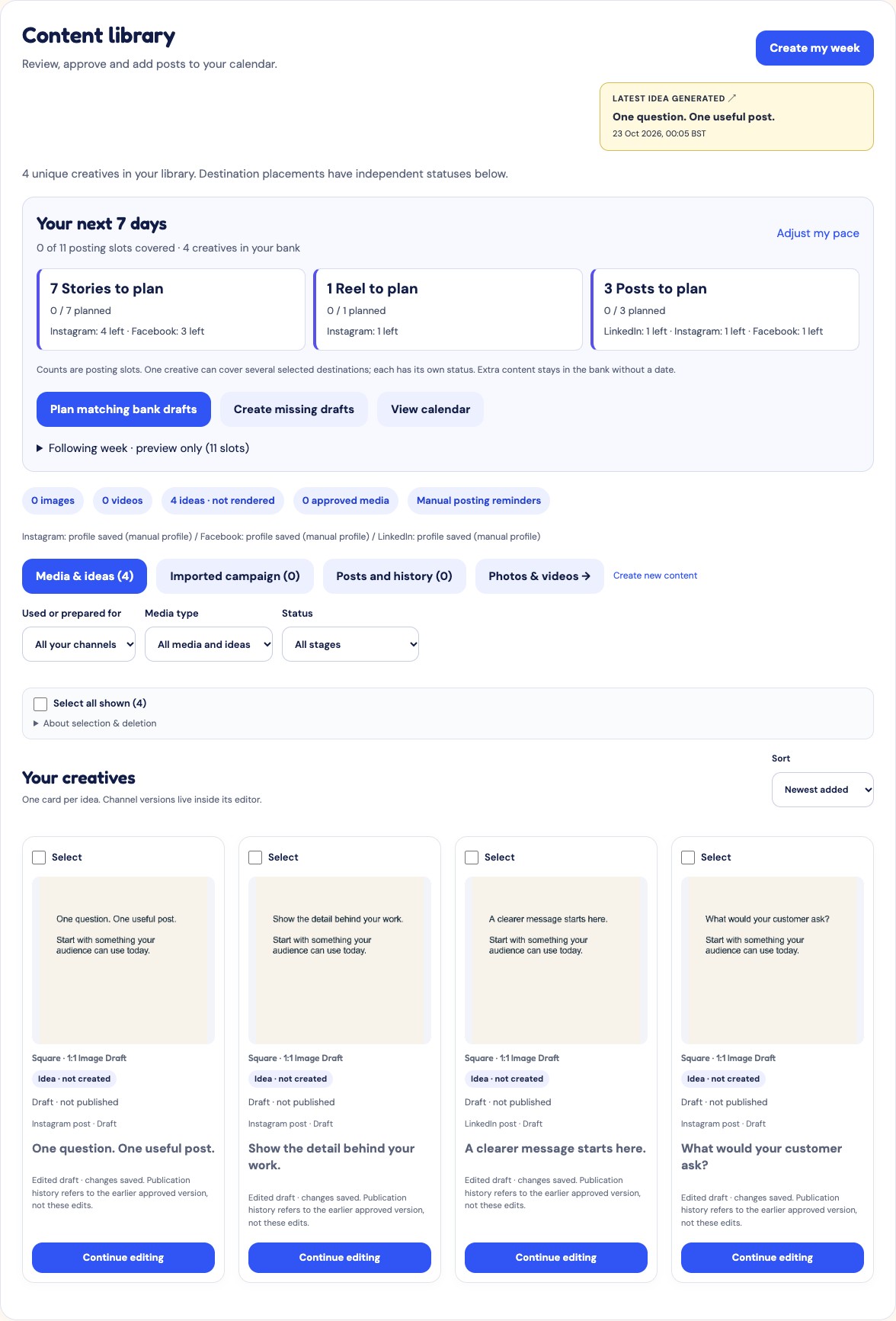
Set your brand direction, bring in website information, photos or ideas, then review AI-assisted copy and edit the creative. Keep content in the bank and organise the week in your calendar. Review every draft for accuracy before approving it.
THE WORKFLOW DIFFERENCE
Compare the work, not just the feature list.
Reuse the theme without repeating the whole message.
Imagine three recurring topics: customer questions, practical advice and your offer. A useful second week develops those themes with fresh details rather than swapping a few adjectives.
Keep the useful source material
Use your business information and saved content as context. Pick a different question, example or angle for the next draft instead of assuming a previous caption should run again.
Review two weeks side by side
Look for repeated openings, identical calls to action and information that has gone out of date. Judge the editing effort needed to make the next week useful.
Choose the reuse model you need
Evaluate SocialBee if structured categories and recurring reuse are central to your process. SMR’s bank and routine are not a promise of equivalent automatic recycling.
| Decision | SocialBee | SMR |
|---|---|---|
| Start here | Content reuse and planning | Business context → reviewed drafts → edited creatives → calendar. |
| Best fit | You want structured reuse and a broader ongoing social-management workflow. | You want to test a focused routine for producing and reviewing a week. |
| Budget unit | Profiles, workspaces, users and content categories. | Monthly GBP plan with brand, AI, storage and delivery allowances. |
Source: SocialBee official pricing and features ↗ · Checked
A useful test with your own content
Start with three recurring themes: customer questions, practical advice and your offer. Build a week and inspect the openings, examples and calls to action. Then prepare a second week. Look for meaningful variety rather than the same message with different adjectives.
This is a suggested evaluation, not a test result or a promise of time saved.
COSTS AND LIMITS
Compare the whole bill.
SocialBee
Bootstrap offers monthly and annual billing. The public price display did not reliably establish a currency code for this review, so no exact subscription total is quoted here. Includes five social profiles, one user, one workspace and up to 1,000 posts per category. Confirm currency, taxes and add-ons at checkout.
Source: SocialBee official pricing and features ↗ · Checked
Social Media Reminder
SMR prices below are in GBP, per month on monthly billing. Brand and AI allowances are different units from competitor channels, social sets or credits.
| Plan / month | Brands | AI text / images | Storage / delivery |
|---|---|---|---|
| Free £0 | 1 | 20 / 0 | 250 MB / 1 GB |
| Starter £9 | 1 | 150 / 5 | 2 GB / 10 GB |
| Growth £19 | 3 | 400 / 15 | 5 GB / 25 GB |
| Studio £39 | 10 | 1000 / 40 | 15 GB / 75 GB |
AI and delivery allowances reset by UTC calendar month on regular plans; storage is a capacity limit. The 14-day Growth trial has 50 AI text actions and 2 generated images in total. Provider availability and request limits apply. Source: current SMR plans and full terms · Reviewed 22 October 2026. Confirm your checkout total before paying.
Annual equivalents and monthly subscriptions have different commitments. No currency conversion or claimed saving is implied. Check taxes, renewal terms, account types and the formats you use before paying.
BEFORE YOU CONNECT
Scheduling is not the same as publishing.
SMR lets you review drafts, edit creatives and organise approved content in a calendar. Direct publishing needs a supported destination, valid publishing permission and approved media. Automatic posting must be enabled for each eligible scheduled post; it is checked again when due.
- Facebook: connected Pages, not personal profiles. Automatic formats are PNG feed images, MP4 Reels and PNG/MP4 Stories.
- Instagram: an eligible professional account linked through a Facebook Page. Feed images/carousels and video publishing depend on account and format eligibility; Stories have additional business-account restrictions.
- LinkedIn: the connected personal profile with publishing permission. New company Page connections are currently unavailable while approval is pending. Supported image/video posts require approved media.
- Other destinations and unsupported formats: download the creative and post manually. A calendar entry or “marked posted” action is not a platform publication receipt.
In-app reminders are available. WhatsApp delivery is not active. This comparison does not promise Telegram delivery, a native Canva integration or competitor migration. Check the destination’s readiness in your workspace before relying on automatic publishing.
Source: SMR’s current connection, format and publishing checks · Reviewed 22 October 2026. How the SMR workflow works →
Your questions, answered.
Is AI planning unique to SMR?
No. SocialBee also describes AI strategy and creation tools. Judge the relevance and editing effort of the resulting content.
Will SMR publish every post automatically?
No. Only eligible connected accounts and supported formats can publish directly. Other destinations require manual posting. Read the publishing restrictions above and check each post’s readiness before scheduling.
Can I try SMR before choosing a paid plan?
New accounts start with a 14-day Growth trial with 50 AI text actions and 2 generated images in total. After the trial, choose a paid plan or continue on Free. The trial does not automatically take payment. See current SMR plans.
YOUR NEXT STEP
Make your first week your own.
Bring your business information and a few ideas. Review the drafts, edit the creative and choose a manageable routine.